Immagini e fotografie
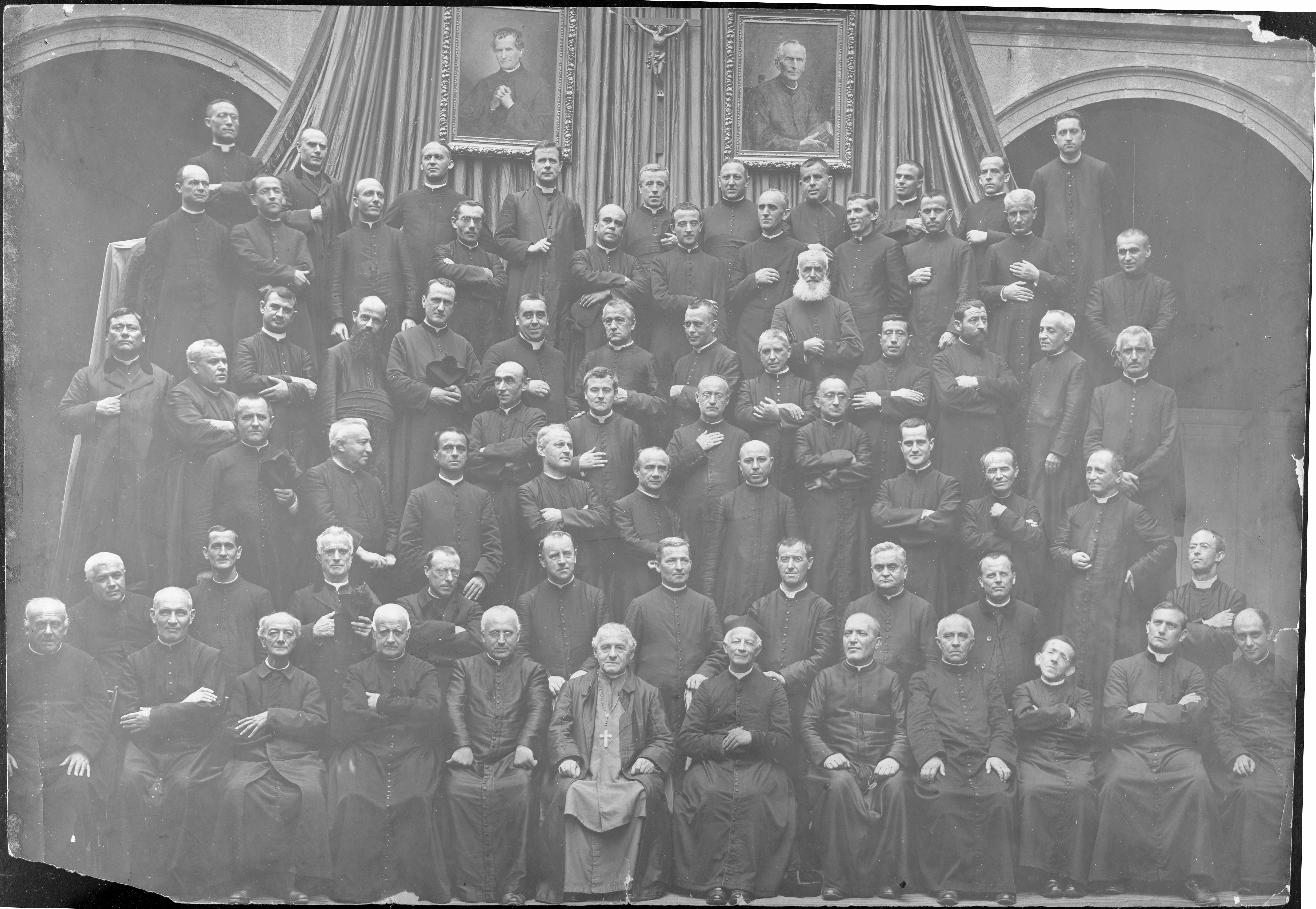
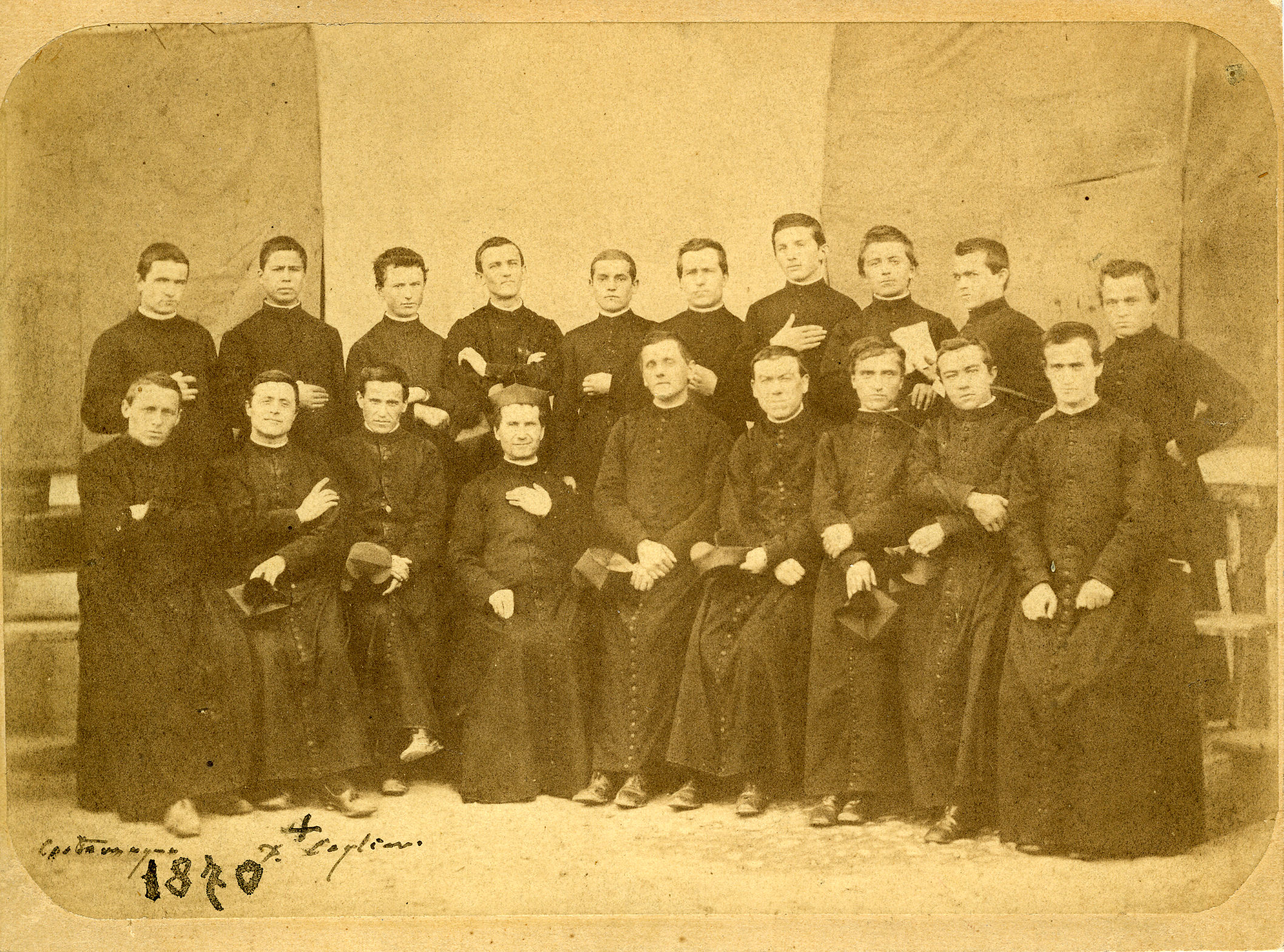
In archivio si conservano immagini, disegni d’epoca. Si tratta rappresentazione visiva statica. Gli esempi includono fotografie su diversi supporti (lastre fotografiche in vetro, diapositive, stampe di positivi e negativi, pellicole, ecc.), dipinti, disegni, progetti grafici, piani e mappe.

Most Markdown editors don't make you type this out, though. In Ghost you can click on the image icon in the toolbar at the bottom of the editor, or you can just click and drag an image from your desktop directly into the editor. Both will upload the image for you and generate the appropriate Markdown.
Important Note: Ghost does not currently have automatic image resizing, so it's always a good idea to make sure your images aren't gigantic files before uploading them to Ghost.
Making lists
Lists in HTML are a formatting nightmare, but in Markdown they become an absolute breeze with just a couple of characters and a bit of smart automation. For numbered lists, just write out the numbers. For bullet lists, just use * or - or +. Like this:
- Crack the eggs over a bowl
- Whisk them together
- Make an omellete
or
- Remember to buy milk
- Feed the cat
- Come up with idea for next story
Adding quotes
When you want to pull out a particularly good except in the middle of a piece, you can use > at the beginning of a paragraph to turn it into a Blockquote. You might've seen this formatting before in email clients.
A well placed quote guides a reader through a story, helping them to understand the most important points being made
Ricerca con l'OPAC sul database dell'ASC
Cliccare Search ed impostare le opzioni di ricerca